


Layers in Photoshop can be used to correct Color and improve photos in any version, without having to use paid filters.

The photo on top has been corrected using Layers.


The photo on top has been corrected using Layers.


The color photo of the girl has been reduced to a black and white cutout.

 The photo on top is the original and the one at the bottom the sharpened one.

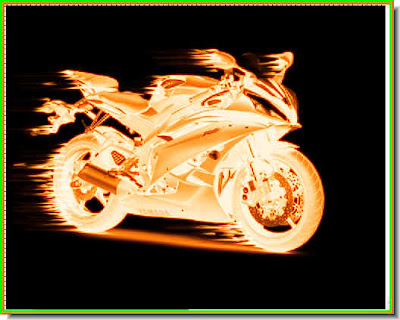
I have used the image above for my Custom Brush with Layer Styles for the effect shown in the image below.
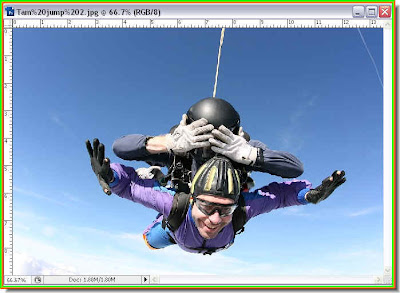
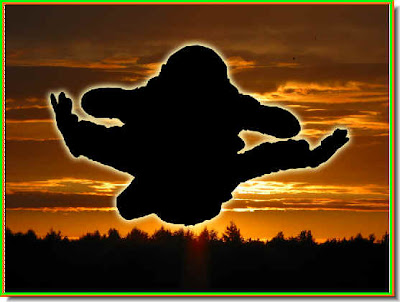
This is the silhouette made with a Vector Mask.


The Glass Text effect with Layer Styles.
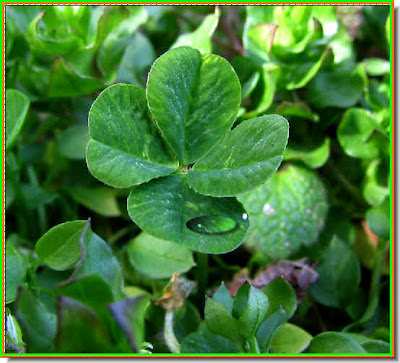

Whether it be a single waterdrop or a number of them it is easy to create.


