Monday, October 27, 2008

Text, Background in a jiffy

Create text and backgrounds in a jiffy for maybe a greetings card. If you have little time to make a card, yet want to, this photoshop tutorial is for you.
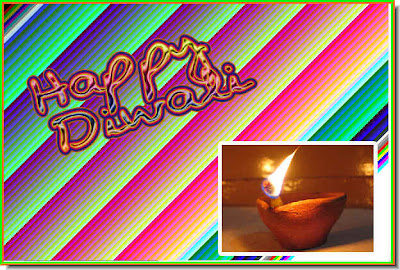
You can make a card like this in no time at all.

Here is the tutorial.

Other tutorials are here.

Monday, October 20, 2008

Swapping faces with Photoshop

I have been asked to post a tutorial on swapping faces without any change to the rest of the image such as hair etc.

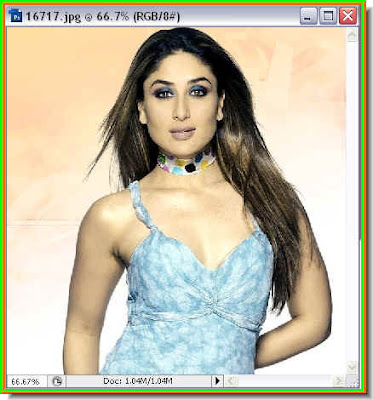
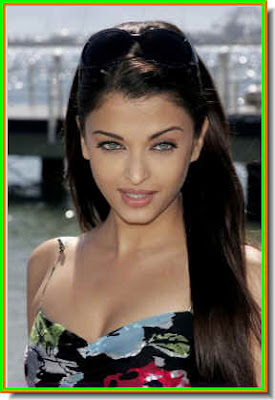
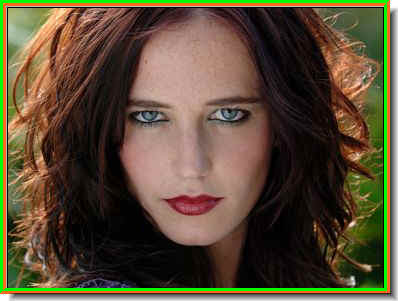
These are the the two photos with which I will swap the face.

The face has been swapped. It can be done in PS CS2 and 3 as also in PS 7.
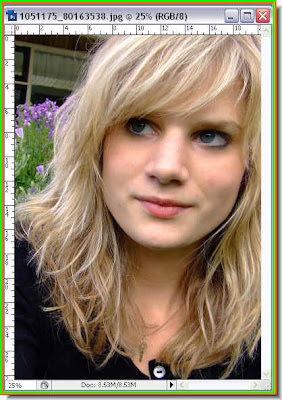
The tutorial is here.

Other tutorials are here.

Sunday, October 19, 2008

Collage or Polaroid effect with Photoshop

You can create a polaroid effect or a collage from a single photo in Photoshop, which seems like they are made up of polaroids.

The photo above and the polaroid effect with it on the same image below.
The tutorial is here.

Other tutorials are here.

Friday, October 10, 2008

Split Toning effect with Photoshop

You can not only change a color photo to Black and White but also tint them using two filters in Photoshop -- the Channel Mixer and Color Balance.


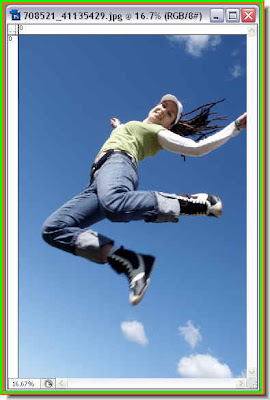
The photo above has been given a Split Toning effect.
The tutorial is here

Other tutorials are here

Sunday, October 5, 2008

Texturiser Filter in Photoshop CS 3


Photoshop CS 3 has a lot off additional textures that have to be loaded before you can use them. Let me show how to load the Textures and how many there are in PS CS 3.

Open any photo in Photoshop CS 3

and apply the Snakeskin Texture

or the Puzzle filter or many others.
The tutorial is here.

Other tutorials are here.

Sunday, September 28, 2008

Pen Tool Vector Mask

Create a Vector Mask with the Pen Tool to make a clean selection. This is especially useful for cutting out an image from its background cleanly and without fuss.

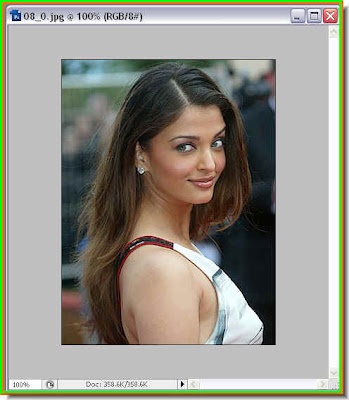
The photo of Aishwairya Rai Bacchan has been cut out cleanly using a Vector Mask created with the Pen Tool.

The tutorial is here.

Other tutorials are here.

Layer for Correcting Color

Layers in Photoshop can be used to correct Color and improve photos in any version, without having to use paid filters.

The photo on top has been corrected using Layers.

The tutorial is here.

Other tutorials are here.

Share

Twitter Delicious Facebook Digg Stumbleupon Favorites